Live Local MCP • Steper158X

Let AI Paint Cute Pixel Art Live Inside Aseprite

Watch every stroke appear on your canvas in real time, undo anytime with Ctrl+Z, and draw alongside AI with your mouse.

Pixel Cat Mascot

Meow! All sprites on this page were drawn live with Aseprite MCP!

cozy_studio.asepriteLIVE :7777
Cozy pixel art studio drawn with Aseprite MCP
Layers: Sky • Desk • Steam
Canvas BG:
Official Repo Demos

What Aseprite MCP Can Build

Animated sprites and multi-layer isometric scenes drawn live inside Aseprite.

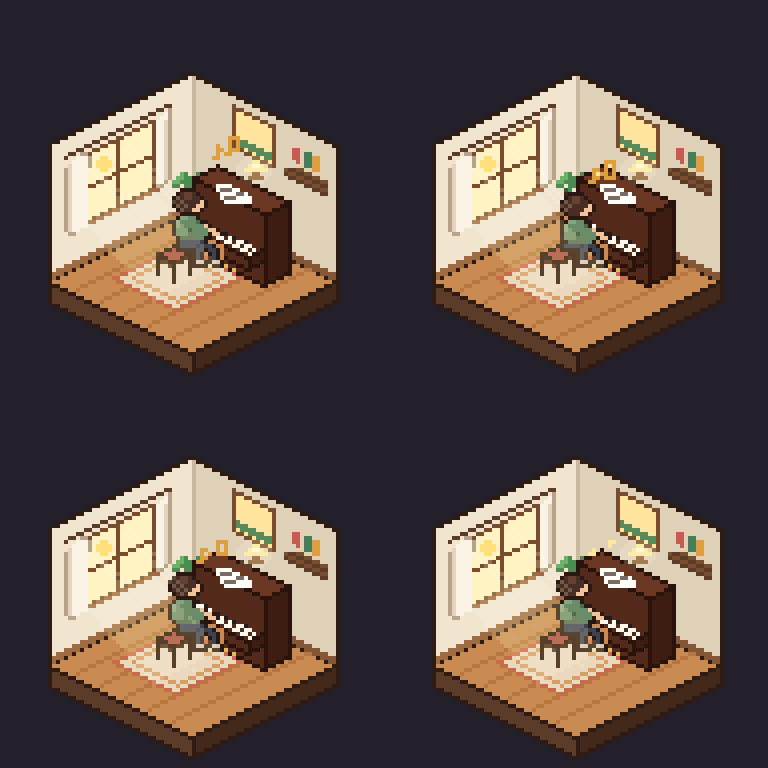
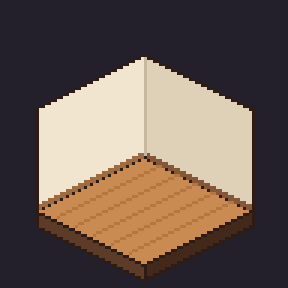
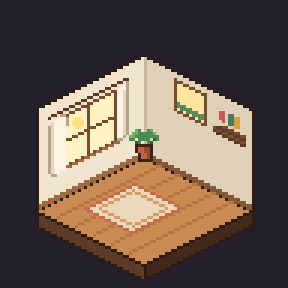
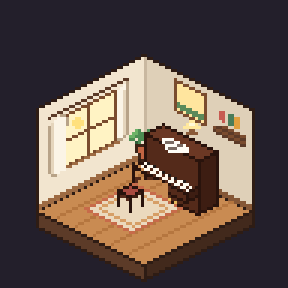
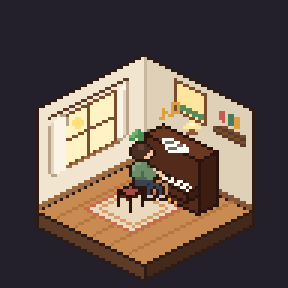
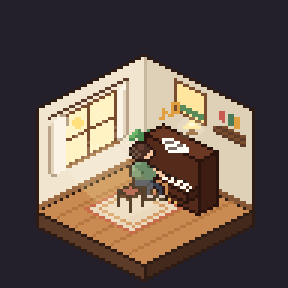
Piano Room Layer-by-Layer Breakdown

1. Room shell
1. Room shell
2. Window & decor
2. Window & decor
3. Piano & bench
3. Piano & bench
4. Pianist
4. Pianist
5. Sunlight
5. Sunlight
100% MCP-Crafted Assets

Drawn Live with Aseprite MCP

Every mascot, studio scene, and pixel icon on this website was painted and exported directly through @steper158x/aseprite_mcp.

hero-studio.gif
hero-studio.gif
64×48 · 4 frames
mascot-cat.gif
mascot-cat.gif
32×32 · 4 frames
icon-live.png
icon-live.png
16×16 · 1 frame
icon-layers.png
icon-layers.png
16×16 · 1 frame
icon-palette.png
icon-palette.png
16×16 · 1 frame
icon-sparkle-bot.png
16×16 · 1 frame
Why Artists & Devs Love It

Cozy Human + AI Pixel Workflow

Live paintbrush icon

Live Canvas & Ctrl+Z Undo

Connects to your running Aseprite GUI over a local WebSocket on port 7777. Every AI edit is a native undo step, and you can co-draw with your mouse.

Stacked pastel layers icon

Layers, Frames & Tags

Build multi-layer scenes, insert animation frames, tune millisecond durations, tag loops, and export crisp spritesheets or GIFs.

Pastel artist palette icon

Pixel-Perfect MCP Tools

Draw ASCII sprite grids in one shot with draw_pixel_art, paint shapes and flood fills, manage palettes, and inspect results via get_screenshot.

Cute AI robot icon

Works With Your AI App

Set up in minutes for Cursor, Claude Desktop, Antigravity, Pi, or any MCP-compatible client—plus headless fallback when Aseprite is closed.

Under The Hood

Three Cozy Pieces Working Together

Zero cloud uploads. Everything stays fast and local on your machine.

01Your Canvas

Aseprite

Your licensed copy of Aseprite (Steam or standalone) where you see every pixel appear live.

02Extension

Aseprite MCP Bridge

A lightweight Aseprite extension that talks directly to the local MCP server via WebSocket.

03npm Package

Aseprite MCP Server

@steper158x/aseprite_mcp — launched automatically by your AI app when you start chatting.

Get Started In Minutes

Quick Setup Guide

No programming required—let your AI install it for you, or run one setup command.

Method 1 • Beginner Friendly

AI-Guided Install Playbook

Copy this prompt into Cursor, Claude, or Antigravity and let the AI guide you step by step:

Read this install playbook and install Aseprite MCP for me step by step. I am a beginner — explain simply, do one step at a time, and run commands yourself when you can. https://raw.githubusercontent.com/Steper158X/aseprite_mcp/main/docs/AI_INSTALL_PLAYBOOK.md
Method 2 • Node.js 20+

One-Command npm Setup

Pick your AI client, run the command in your terminal, then restart Aseprite once:

npx -y @steper158x/aseprite_mcp setup --cursor

Try Your First Prompt!

Open Aseprite + your AI app and send:

Create a 32x32 canvas and draw a cute orange cat
MCP Toolbelt

Everything Your AI Can Call

Structured tools designed for clean pixel art, animation, and live inspection.

Draw & Paint

draw_pixel_artdraw_pixelsdraw_linedraw_rectdraw_ellipsefill_areaclear

Layers & Animation

add_layerduplicate_layermove_layeradd_frameset_frame_durationadd_tag

Palette & Canvas

new_spriteresize_spriteset_paletteset_palette_colorset_selectionundoredo

Export & Inspect

get_statusget_sprite_infoget_screenshotget_pixelsexport_spritesheetsave_sprite